

NEW VERSION: v2.0.1 updated on June 16,2026
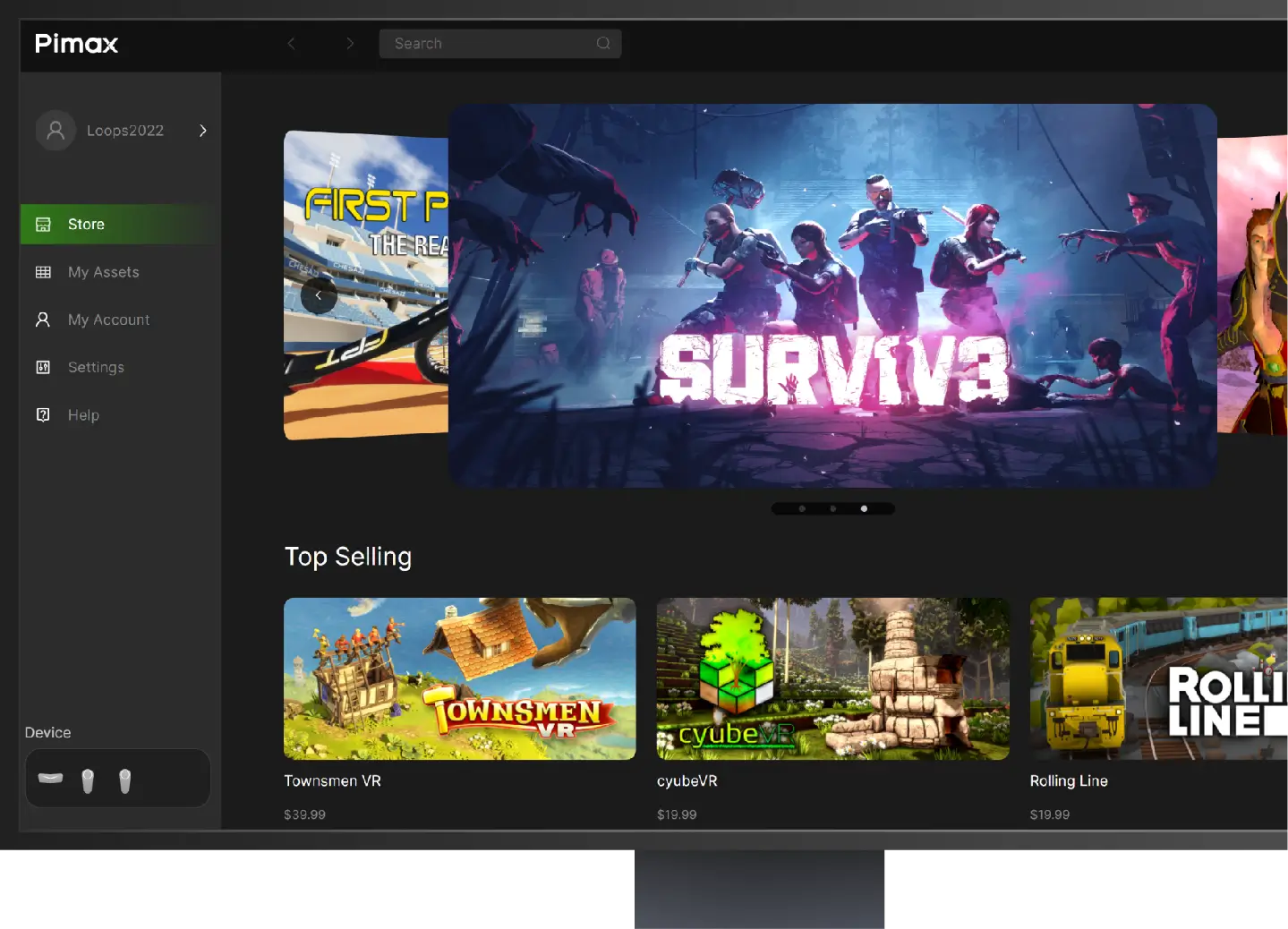
Pimax Play
Ⅰ.New Features and Improvements:
Dream Air Firmware V1.0.3:
- Added Pimax CLI functionality, with official Pimax Skills to be gradually released in the future.
- Introduced motion compensation view reset feature.
- Comprehensive visual redesign and upgrade of the client interface.
- Added a sunlight exposure screen-burn warning in the beginner's guide.
- Added CPU affinity optimization to prioritize performance cores and reduce background scheduling interference, improving runtime stability.
- Enhanced positioning stability in static scenes.
- Added Korean language support.
- Optimize rendering, fix the Smart Smoothing issue, and resolved minor flickering introduced in recent versions.
- Fixed issue where quality settings adjustments were not applied in individual game configurations.
- Resolved problems with binocular image fusion in certain games.
Dream Air Firmware V1.0.3:
- Fixed several known issues.
- Fixed several known issues.
- Fixed several known issues.
- Fixed several known issues.
- Supports headset models 5K Super, 8KX, Crystal, Crystal Light, Crystal Super, and Dream Air.
- This version will be gradually rolled out to all users over the next two weeks.
NEW VERSION: v1.44.1 updated on May 15,2026
Pimax Play
I. New Features and Improvements:
Dream Air Firmware V1.0.2:
- Added floating window rendering scale settings, allowing users to manually adjust system panel resolution for enhanced visual clarity and smoother performance.
- Added a device diagnostic feature that automatically detects headset status and provides corresponding solutions, simplifying the troubleshooting and resolution of common issues.
- Optimized the stability of SLAM relocalization.
- Optimized controller tracking stability during scenario transitions.
- Fixed log file export failures under certain conditions.
- Fixed compatibility issues between Pimax OpenXR and the third-party application OpenComposite.
- Fixed connection failures on Crystal Super Micro-OLED when running in 90Hz mode.
- Fixed an abnormal wake-up issue on Dream Air.
Dream Air Firmware V1.0.2:
- Fixed an occasional display artifact issue after waking from screen-off mode.
- Fixed an occasional display artifact issue after waking from screen-off mode.
- Fixed several known issues.
- This version will be gradually rolled out to all users over the next two weeks.
NEW VERSION: v2.0 updated on Mar30,2026
PimaxVR APP
New Features & Improvements:
1. Added 24/7 online customer support service.
2. Introduced a ticketing system for any inquiries.
3. Added one-click order status lookup.
4. Added real-time shipping notifications.
5. Added onboarding tutorial with one-click playback for headset setup.
Click the button or scan the QR code:

SteamVR
SteamVR is the ultimate tool for experiencing VR content on the hardware of your choice. SteamVR supports the Pimax Crystal, Pimax Crystal Light, Pimax Crystal Super, Pimax Dream Air and other Pimax headsets.
Setup Video Guides

Pimax Dream Air/SE setup guide

Pimax Crystal Super setup video

How to setup the Pimax Crystal Light