

NEW VERSION: v2.0.3 updated on August 8,2026
Pimax Play
I. New Features and Improvements:
- Added advanced Quad View adjustment.
- Added advanced FOV Cropping adjustment.
- Added Wide FOV mode for Pimax Crystal Light and Pimax Dream Air.
- Added customizable button mapping for Recenter, Screen On/Off, and Passthrough functions.
- Added warm and cool color tone RGB adjustment options.
- Optimized the SLAM algorithm to improve floor recognition accuracy. Floor height detection during RoomSetup is now more precise.
- Optimized controller tracking algorithms to improve tracking accuracy and stability.
II. Fixed Issues:
- Fixed Dream Air SE eye tracking calibration bug.
- Fixed an issue where the Export Logs option was unavailable in offline mode.
- Fixed network timeout issues on the Support Ticket page.
- Fixed an issue that could cause unexpected client logouts.
- Fixed client crashes that could occur under certain conditions.
- Fixed an issue where some trackers connected directly to the PC were incorrectly identified as Lighthouse faceplates.
- Fixed an issue where some log files were not removed during a clean installation.
III. Firmware Updates:
-
Dream Air Firmware V1.0.4:
Improved microphone echo performance.
-
Dream Air SE Firmware V1.0.5:
Improved microphone echo performance.
IV. Rollout Plan:
- This version will be gradually rolled out to all users over the next two weeks.
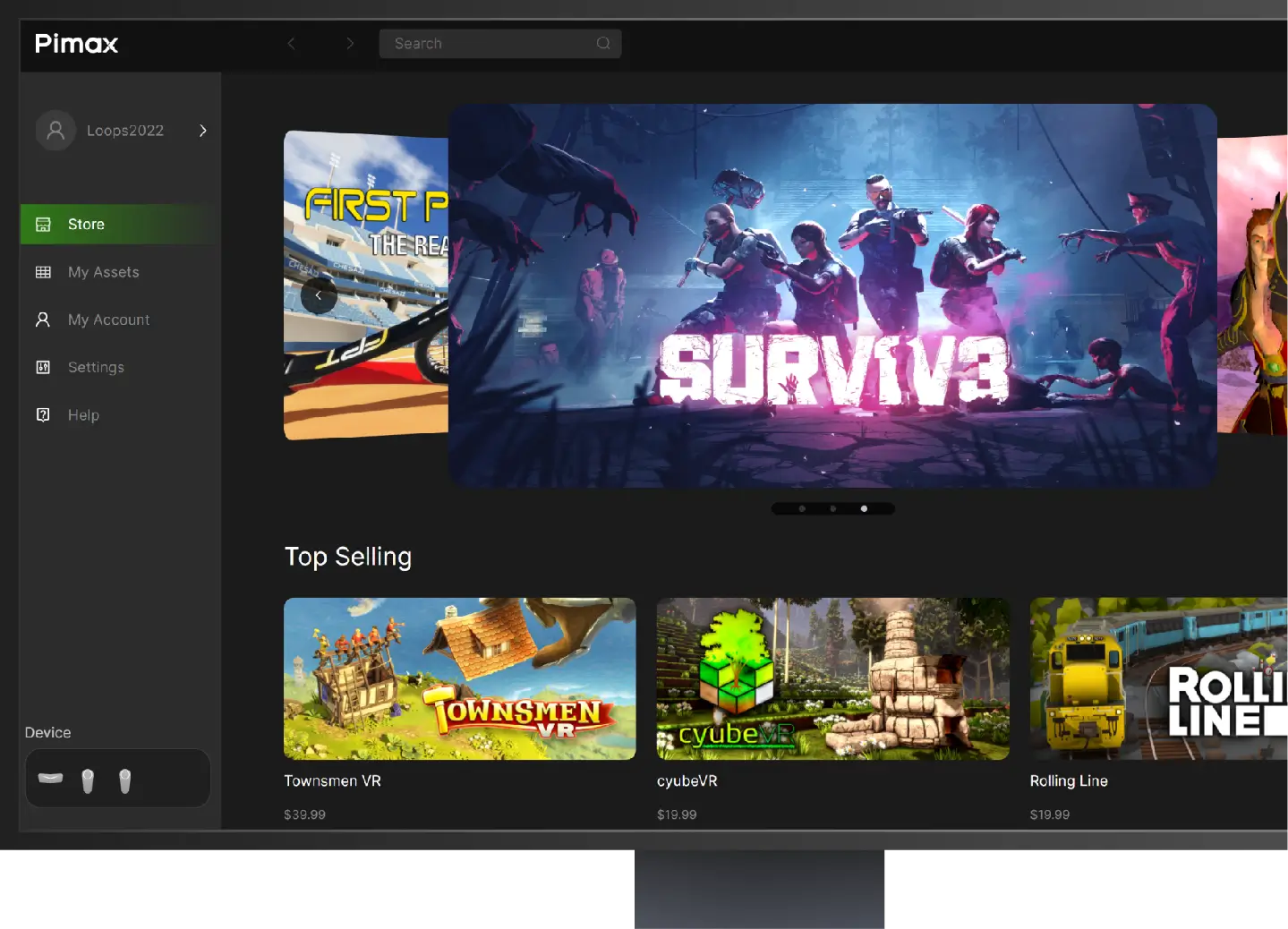
Pimax Play History Version
Hotfix:Fixed connection failures on Crystal Super Micro-OLED when running in 90Hz mode.
I. New Features and Improvements:
- Added floating window rendering scale settings, allowing users to manually adjust system panel resolution for enhanced visual clarity and smoother performance.
- Added a device diagnostic feature that automatically detects headset status and provides corresponding solutions, simplifying the troubleshooting and resolution of common issues.
- Optimized the stability of SLAM relocalization.
- Optimized controller tracking stability during scenario transitions.
II. Fixed Issues:
- Fixed log file export failures under certain conditions.
- Fixed compatibility issues between Pimax OpenXR and the third-party application OpenComposite.
- Fixed connection failures on Crystal Super Micro-OLED when running in 90Hz mode.
- Fixed an abnormal wake-up issue on Dream Air.
III. Firmware UpdatesDream Air Firmware V1.0.2:
- Fixed an occasional display artifact issue after waking from screen-off mode.
Dream Air SE Firmware V1.0.2:
- Fixed an occasional display artifact issue after waking from screen-off mode.
Crystal Super Firmware V1.0.16:
- Fixed several known issues.
- Fixed connection failures on Crystal Super Micro-OLED when running in 90Hz mode.
IV. Rollout Plan:
- This version will be gradually rolled out to all users over the next two weeks.
NEW VERSION: v2.0 updated on Mar30,2026
PimaxVR APP
New Features & Improvements:
1. Added 24/7 online customer support service.
2. Introduced a ticketing system for any inquiries.
3. Added one-click order status lookup.
4. Added real-time shipping notifications.
5. Added onboarding tutorial with one-click playback for headset setup.
Click the button or scan the QR code:

SteamVR
SteamVR is the ultimate tool for experiencing VR content on the hardware of your choice. SteamVR supports the Pimax Crystal, Pimax Crystal Light, Pimax Crystal Super, Pimax Dream Air and other Pimax headsets.
Setup Video Guides

Pimax Dream Air/SE setup guide

Pimax Crystal Super setup video

How to setup the Pimax Crystal Light