Pimax Store
Pimax Store
Pimax Store
Caractéristiques
Informations importantes :
Frais de réservation : Les frais de réservation de 0,99 $ ne sont pas remboursables et ne couvrent pas le coût du casque lui-même. Une fois le casque disponible à l'achat, les clients seront invités en fonction de leur position dans la file d'attente de réservation.
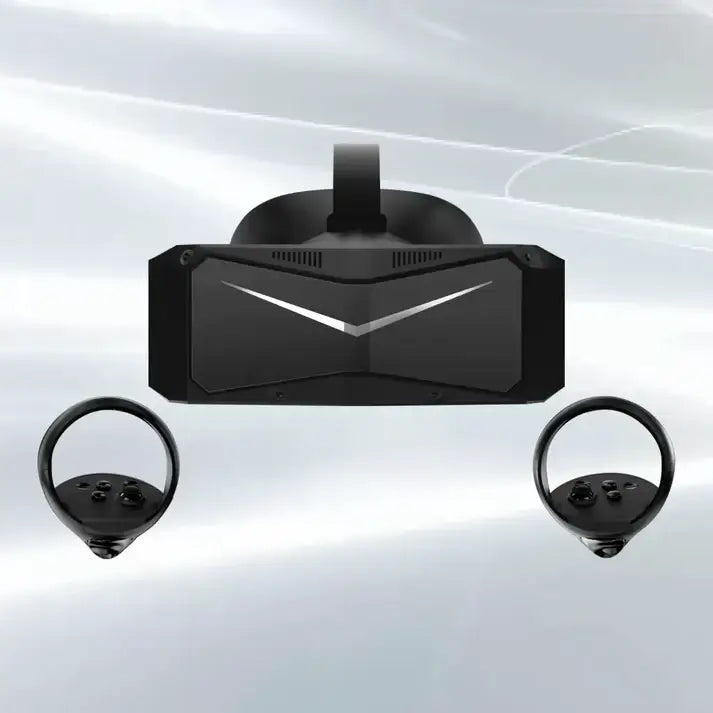
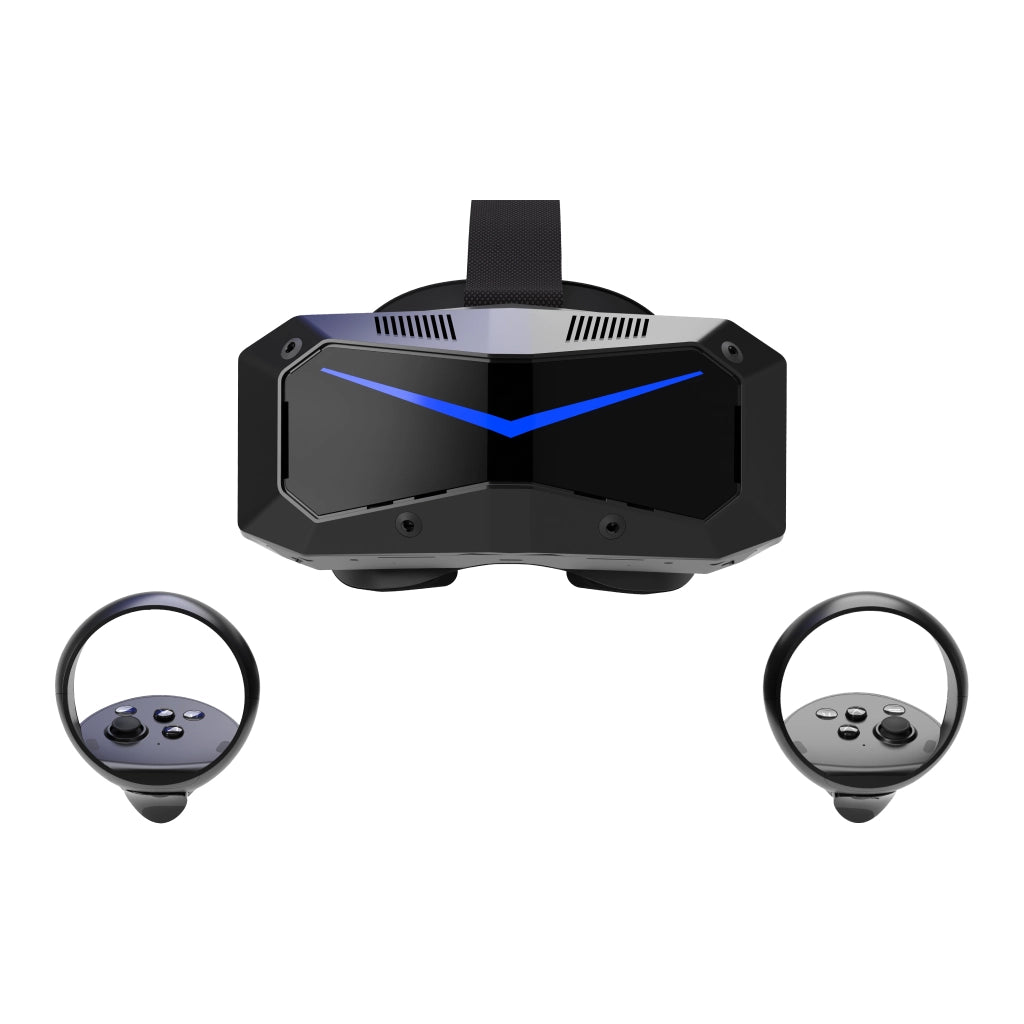
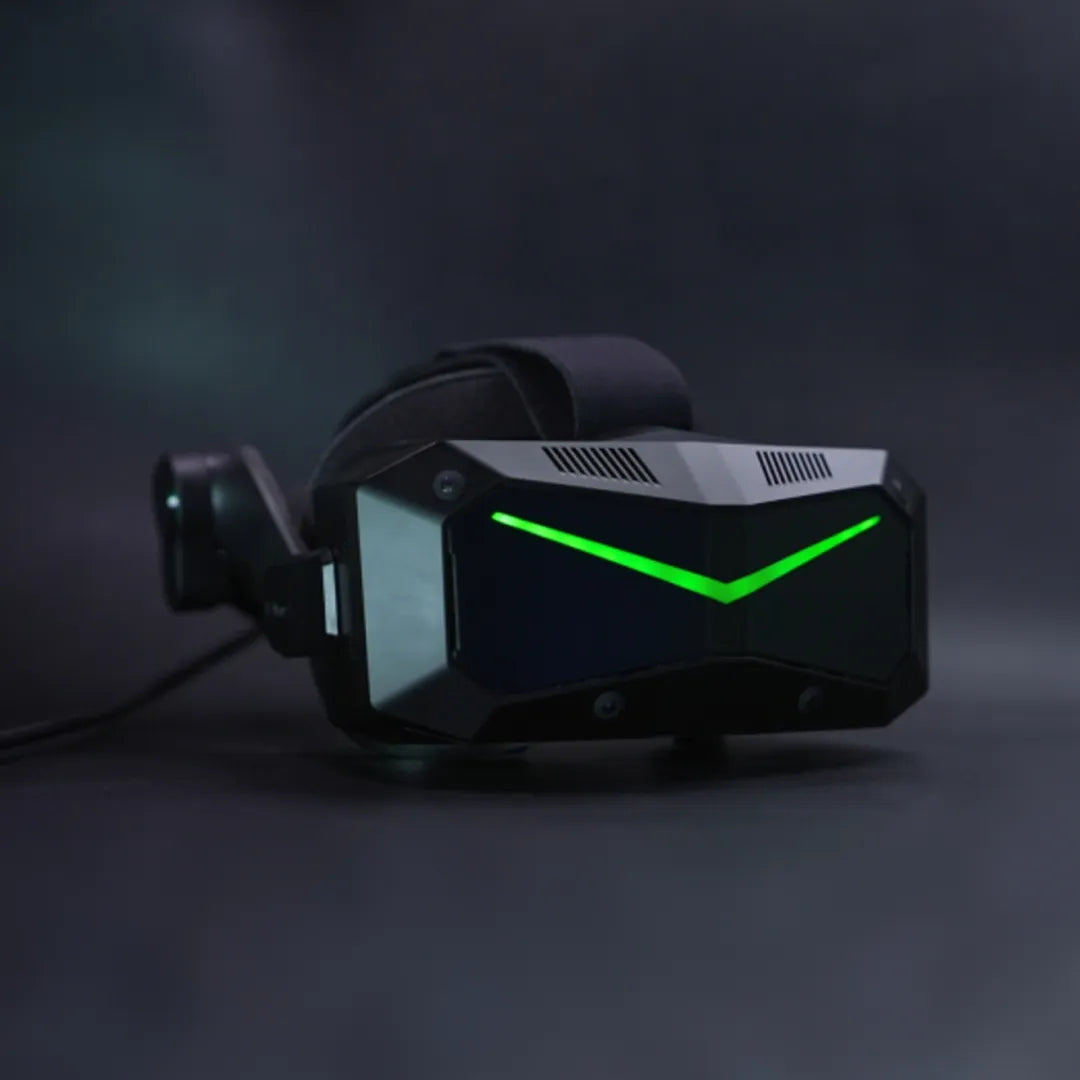
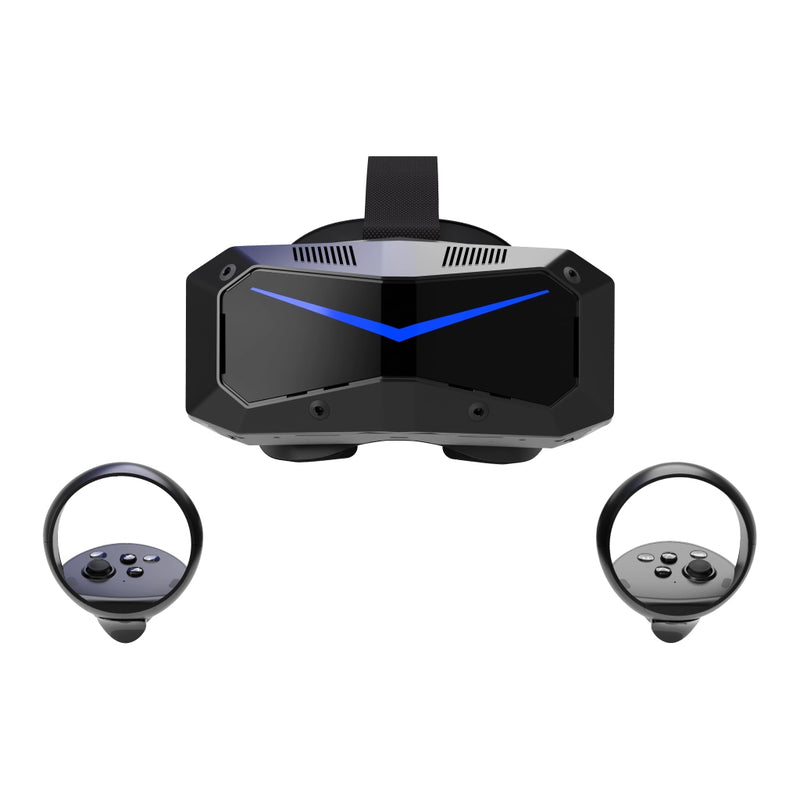
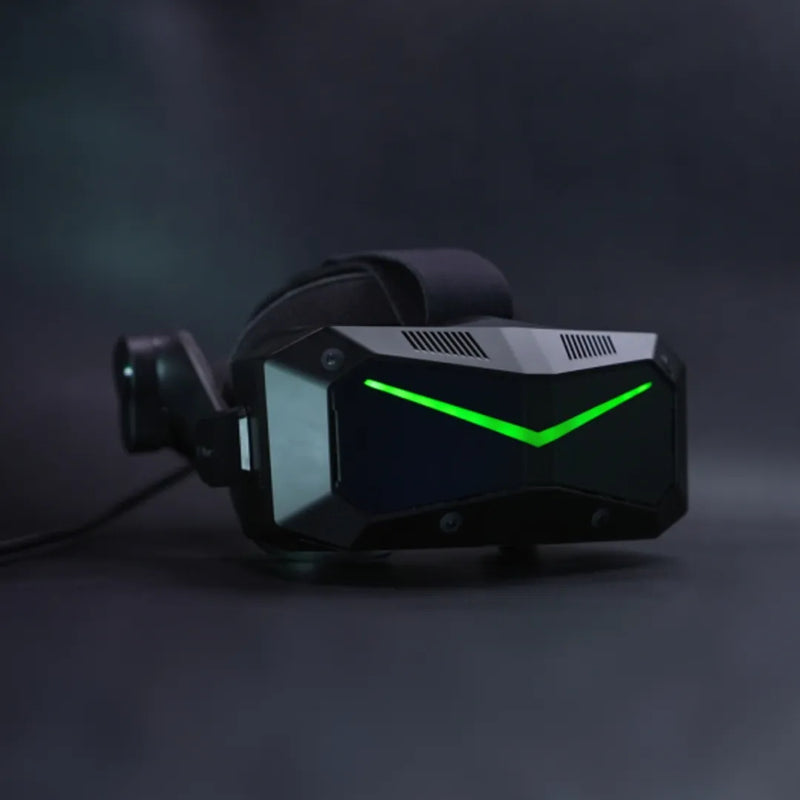
Le pack Crystal Super comprend des écrans QLED et Micro-OLED comme systèmes optiques.
_____
Les casques Pimax sont compatibles avec la plupart des titres populaires de simulation de vol, y compris Microsoft Flight Simulator, X-Plane, DCS et IL-2, offrant une expérience de vol très détaillée et immersive. La haute résolution et le large champ de vision facilitent la lecture des instruments du cockpit, la surveillance de l’espace aérien environnant et la reconnaissance des détails du terrain et des pistes lointains. Que vous naviguiez dans un espace aérien complexe sur Microsoft Flight Simulator ou que vous réalisiez des manœuvres de précision dans DCS et IL-2, les casques Pimax offrent une expérience de simulation plus réaliste et stable.
Lors du choix d’un casque de simulation de vol, les facteurs clés suivants ont un impact direct sur votre expérience :
Exigence minimale
Pour une expérience VR basique, les systèmes équipés de GPU tels que RTX 2070, RTX 2070S, RTX 2080, RTX 2080S, RTX 2080Ti, RTX 3060, RTX 3060Ti, RTX 3070, RTX 3070Ti, RTX 4060, RTX 4060Ti, RX 5700XT ou RX 6700XT sont capables de faire tourner des jeux VR occasionnels comme Beat Saber avec des réglages moyens.
Pour les simulations de course, les performances restent jouables mais peuvent nécessiter des réglages graphiques plus bas pour un fonctionnement plus fluide.
Les processeurs recommandés incluent Intel i5 (12e génération ou plus récent), i7/i9 (10e génération ou plus récent), ou des processeurs AMD équivalents. Le système doit disposer d’au moins 16 Go de RAM, 5 Go de stockage disponible, une connexion DisplayPort 1.4a, USB 3.0 ou supérieur, et fonctionner sous Windows 10 (64 bits) ou Windows 11.
Recommandé
Pour une expérience plus équilibrée et agréable dans les simulations de vol et de course, des GPU tels que RTX 3080, RTX 3080Ti, RTX 3090, RTX 4070, RTX 4070S, RX 6800, RX 6800XT, RX 6900XT ou RX 6950XT sont recommandés. Ces configurations peuvent atteindre une qualité graphique moyenne à élevée avec un réglage approprié.
Les processeurs adaptés incluent Intel i5 (13e génération ou plus récent), i7/i9 (12e génération ou plus récent), ou des processeurs AMD équivalents. Le système doit inclure 16 Go de RAM, 5 Go de stockage disponible, DisplayPort 1.4a, USB 3.0 ou supérieur, et Windows 10 (64 bits) ou Windows 11.
Meilleure expérience
Pour le plus haut niveau de performance et de qualité visuelle, notamment dans les simulations de vol et de course exigeantes, des GPU tels que RTX 4070Ti, RTX 4070Ti Super, RTX 4080, RTX 4080 Super, RTX 4090, RX 7900XT ou RX 7900XTX sont recommandés.
Ces configurations offrent l’expérience la plus stable et immersive. Associez-les à des processeurs Intel i7/i9 (13e génération ou plus récent) ou AMD équivalents, avec 32 Go de RAM et au moins 10 Go de stockage disponible. Une connexion DisplayPort 1.4a, USB 3.0 ou supérieur, et Windows 10 (64 bits) ou Windows 11 sont également requis.
Exigence minimale
Pour une utilisation de base, les systèmes équipés de GPU tels que RTX 3060, RTX 3060Ti, RTX 3070, RTX 4060 ou RX 6700XT peuvent faire tourner des titres VR avec des réglages réduits.
Pour des simulations exigeantes comme le vol ou la course, les performances peuvent être limitées, nécessitant une réduction de l’échelle de résolution et des paramètres graphiques pour maintenir une fluidité de jeu.
Les processeurs recommandés incluent Intel i5 (12e génération ou plus récent), i7 (10e génération ou plus récent), ou des processeurs AMD équivalents. Un minimum de 16 Go de RAM, DisplayPort 1.4a, USB 3.0+, et Windows 10/11 (64 bits) sont requis.
Recommandé
Pour une expérience équilibrée avec le Crystal Super QLED, les GPU tels que RTX 3080Ti, RTX 3090, RTX 4070Ti, RTX 4080, RX 6800XT, RX 6900XT ou RX 7900XT sont recommandés.
Ces configurations permettent des réglages moyens à élevés avec une échelle de résolution optimisée, notamment dans les titres de simulation.
Les processeurs recommandés incluent Intel i7/i9 (12e ou 13e génération) ou des processeurs AMD équivalents, ainsi que 32 Go de RAM pour un multitâche plus fluide et une stabilité des performances.
Meilleure expérience
Pour exploiter pleinement les capacités du Crystal Super QLED — y compris sa résolution plus élevée et son champ de vision élargi — des GPU haut de gamme tels que RTX 4090, RTX 5090 (ou équivalent de prochaine génération), ou RX 7900XTX sont fortement recommandés.
Ces systèmes permettent des taux de rafraîchissement élevés, une clarté maximale et des performances stables même dans des scénarios complexes comme de grandes grilles ou des environnements denses.
Associez-les à des processeurs Intel i7/i9 (13e génération ou plus récent) ou AMD équivalents, 32 Go de RAM ou plus, et des réglages système optimisés pour la meilleure expérience possible.